Laparoscopic box trainer · 3D-printed kit
Practice laparoscopy at your desk. Your phone is the camera.
LapLab is a box trainer you put together in minutes. Lay your phone on the plate, stream it to your laptop with LapLink, and work the instruments while you watch the screen, the way it feels in the OR.
 Drag to turn it around
How it works
Set up in three steps, no camera to buy.
Put the box together
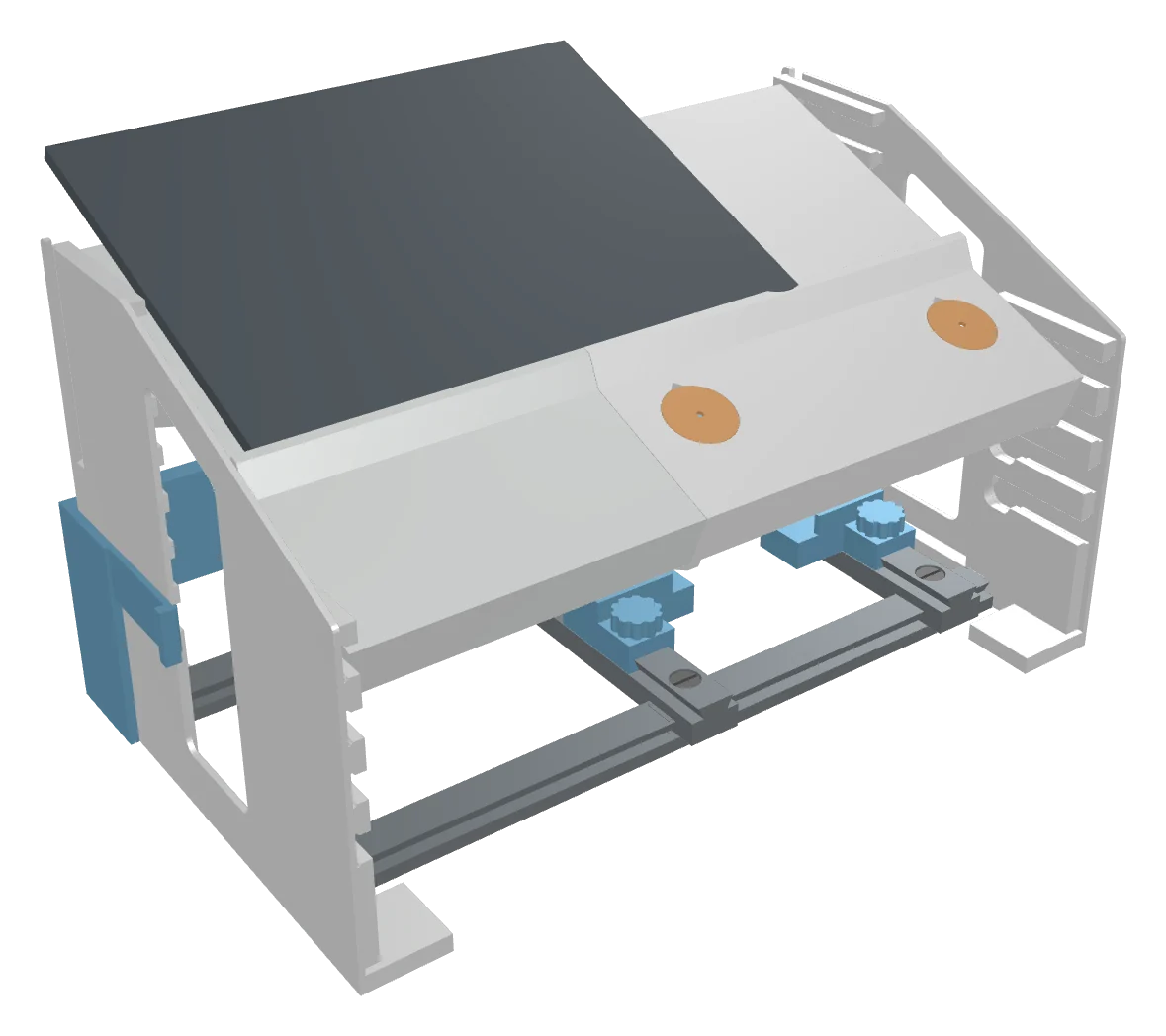
Lower the side stands onto the rack rails, then slide the plate in. Its pins drop into the hooks at the front and rest on a shelf at the back. The rear brace clips on and tightens with one knob.
Lay your phone on the plate
Place the phone over the camera window, lens down, against the ledge. An iPad works the same way. It looks straight down at the task.
Watch it on your laptop
Open LapLink on the laptop and scan its QR code with the phone. Put the laptop behind the box and train looking up at the screen.
What you can buy
Start with the trainer. Add what you need.
Loading 3D model…The trainer kit
The box, the adjustable port plate, the module rack and peg transfer. Everything you need to start.
 Loading 3D model…
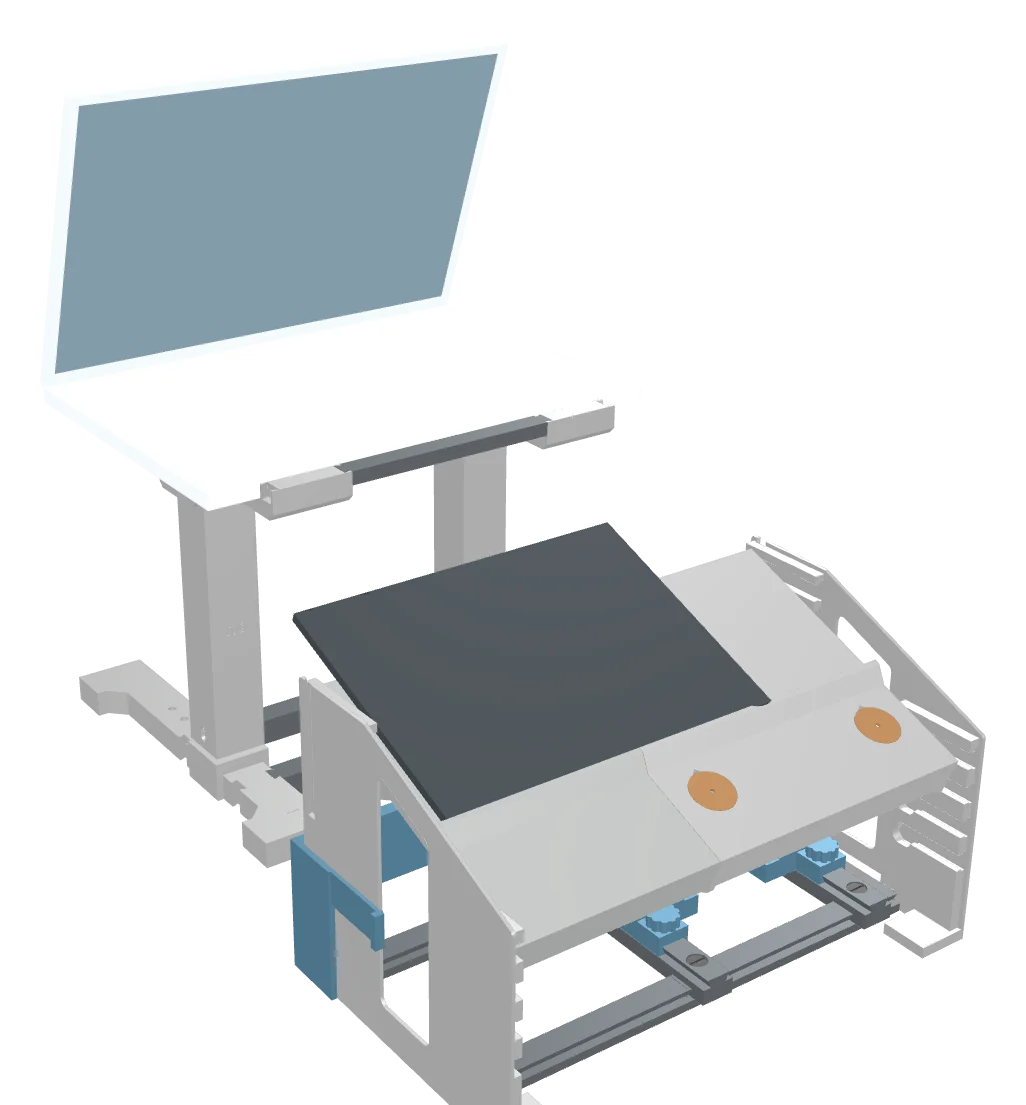
Laptop stand
Puts your laptop screen at eye level behind the trainer. A height add-on takes it to standing height.
 Loading 3D model…
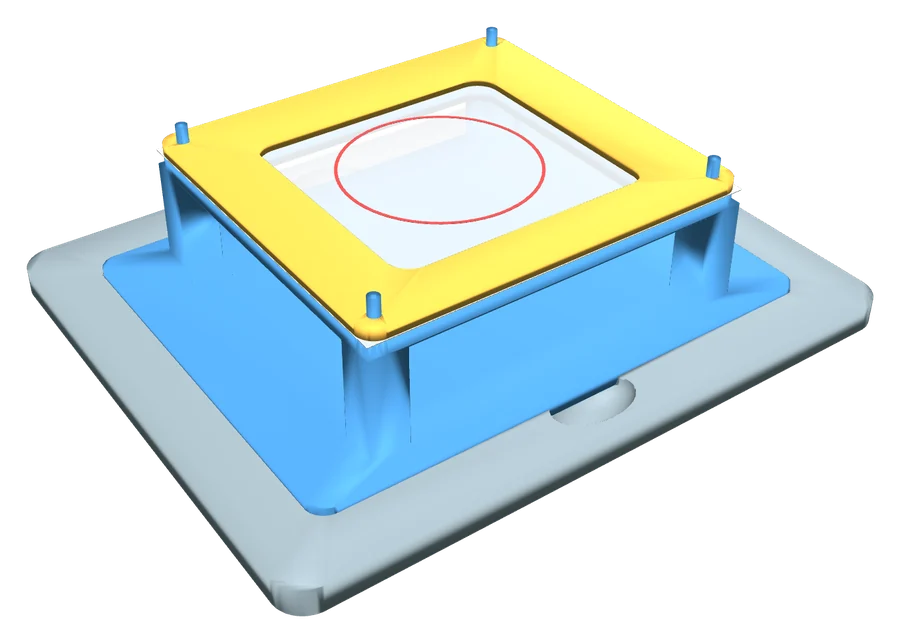
Training modules
Five more stations: precision cutting, ligating loop, needle eyelets, suturing and knot tying.
LapLink, the app that turns your phone into the camera, is free. How it works →
The kit
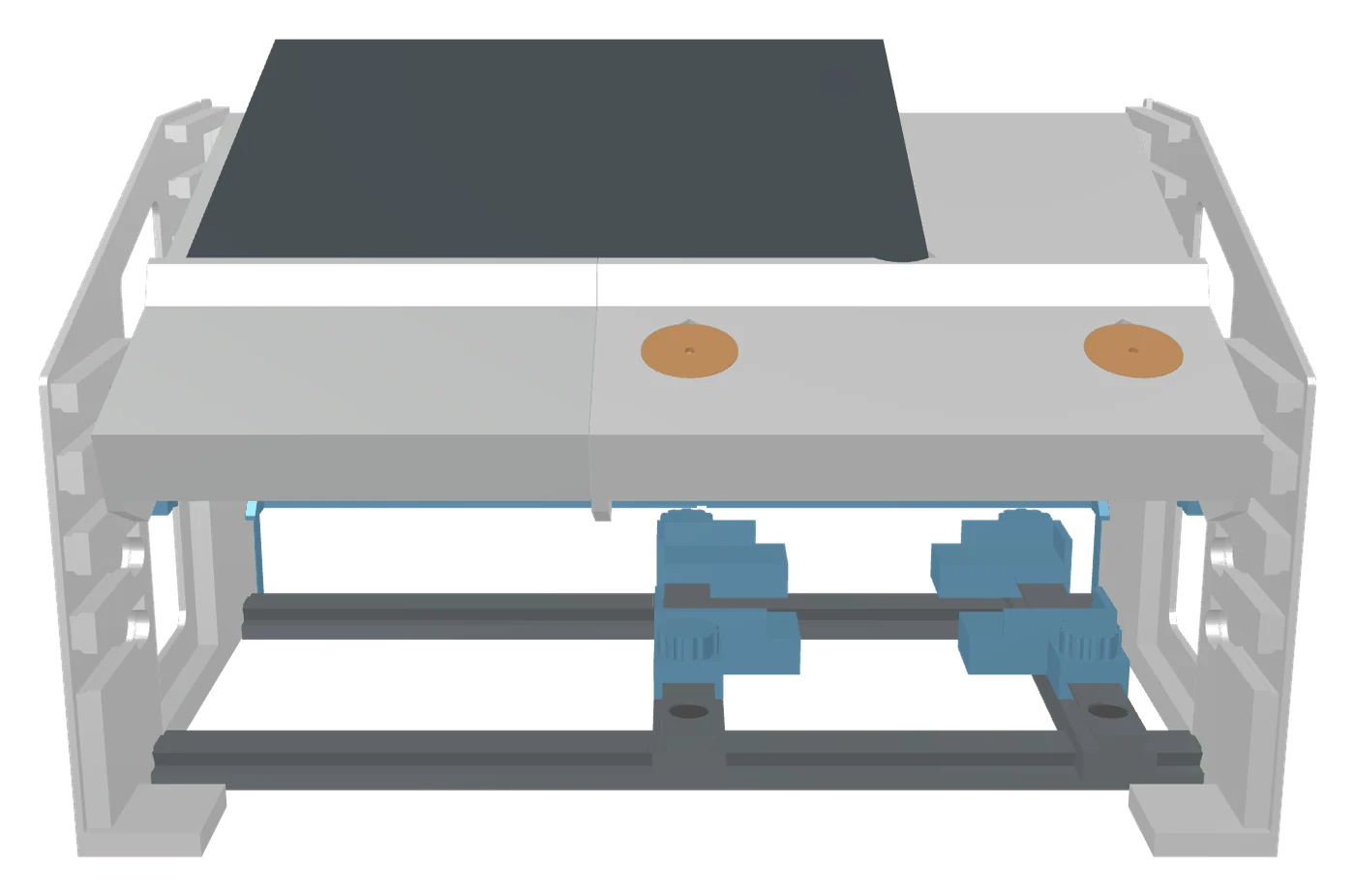
Everything for the box, plus peg transfer.
 Drag to turnLoading 3D model…
Adjustable
Change the angle, change the reach.
Each stand has four hooks at the front and seven shelves at the back. Pick a pair and the plate locks at that angle with a J-shaped catch. Low and flat for long reaches, steep for working close to the camera.
Underneath, two bars slide left and right on the rails and four corner holders slide front to back, so you can put the task anywhere under the camera and lock it with thumbscrews.
Not in the box
What you bring.
Instruments
Laparoscopic graspers, scissors and a needle driver, 5 mm shafts. Training-grade sets around 30 cm (12") long work well.
A phone and a laptop
Any phone or iPad with a camera to lay on the plate, and a computer to watch it on with LapLink.
Practice supplies
Gauze squares, suture, a silicone suture pad and a bit of foam, depending on which stations you use.
Laptop stand · add-on
Your screen at eye level, like the OR monitor.
The stand sits behind the trainer and holds your laptop up where you look while you work. Pick a height, pull it apart, or tap a part to find it.
Height (top of the pads)
The stand ships with a 200 mm and a 100 mm column section for each side, so you can set it at 176, 276 or 379 mm. For standing height (479 or 582 mm), add the height add-on: two more 200 mm sections and their pins.
Parts at this height · tap to find one
Buying it
The stand, and the height add-on if you train standing.
Laptop stand
- Two feet with extensions, cross bars and front rail
- One 200 mm and one 100 mm column section per side
- Two saddles with TPU grip pads, plus all pins and pegs
- Sets at 176, 276 or 379 mm
Height add-on
- Two more 200 mm column sections
- Two more column pins
- Adds the 479 mm (standing) and 582 mm heights
Fits most laptops
26–40 cm wide, 20–28 cm deep, up to about 3 kg. A 16-inch MacBook Pro is 2.1 kg.
Small footprint
29 × 30 cm. The feet reach farther back than forward, because the screen's weight sits toward the back.
Stays put
Tapered column joints wedge tight under the laptop's weight, and pins stop them lifting apart.
Add-on modules
More stations, sold separately.
Each module drops into the task base in place of the peg board. Add any of them to your order.
Partner app
LapLink turns your phone into the trainer's camera.
A free web app that streams your phone's camera to your laptop. Nothing to install on either device: it runs in the browser.
Pairing
Connected in under a minute.
Open it on the laptop
LapLink shows a QR code right away.
Scan with the phone
Use the phone's camera app, then allow camera access.
Check the match number
Both screens show the same number, like 4 7 1 9, so you know it's your phone.
Lay the phone on the plate
Lens over the window. The live view fills the laptop screen.
What you get
Built for the box trainer.
Sharp, smooth video
Up to 1080p at 60 frames per second, with low delay so your hands and the screen stay in step.
Wide view on iPhone
Starts on the ultra-wide lens so the whole task fits in frame at close range.
Rotate, mirror and zoom
Turn the picture to match how the phone lies, and zoom in on the work.
A clean screen
The controls fade away while you work, leaving just the video.
Direct connection
Video goes straight from phone to laptop. The status shows whether it's direct or relayed.
Add it to your Home Screen
Opens full-screen like an app on iPhone and Android.
Private by design
Only your laptop sees your camera.
Each pairing uses a secret key. The phone and laptop prove to each other that they share it before any video is sent, and the video is locked to that verified laptop. If the phone can't verify the laptop, it turns its camera off.
There are no accounts. Whenever the network allows, the video goes straight between your two devices.
Tips for the best picture
Put both devices on the same Wi-Fi. If the status says Relayed and the picture lags, connect the laptop to the phone's hotspot.
Keep the phone plugged in for long sessions.
iPhone browsers can't switch on the flashlight, so practice in a well-lit room.
Order
Each kit is printed to order.
Ordering is a short form. Pick the kit and any add-ons and tell us where to send it. We'll email you to confirm the total and payment before anything is printed.
Prices
What happens next
- Fill in the order form with your kit, add-ons and shipping address.
- We reply by email with the total and how to pay.
- Your parts are printed, checked against each other and packed with assembly instructions.
- It ships to you. Lead time is on the form.
Questions
FAQ
Do I have to assemble it?
Yes, but it takes minutes and no tools. The stands lower onto the rails, the plate slides into the hooks, and everything else drops in or tightens by hand. Printed instructions come in the box.
Which instruments fit?
The ports take standard 5 mm laparoscopic instruments through soft TPU seals. Training instruments around 30 cm (12") long reach the task at every plate setting.
What camera does it use?
Your own phone or iPad, lying on the plate over the camera window. LapLink streams it to your laptop for free.
Does LapLink work with Android?
LapLink runs in the phone's web browser, so it works on iPhone and on Android phones with a current browser. The laptop just needs a modern browser too.
What can I practice?
The kit includes peg transfer. Add-ons cover precision cutting, ligating loops, needle handling, suturing and knot tying on a pad, and hand-tied knots. These follow the classic box-trainer skill tasks used in surgical training.
What is it made of?
The frame and modules are printed in PLA. The port seals, peg rings, foot pads and pin caps are printed in flexible TPU.
Is this a medical device?
No. It's a practice trainer for building skills, not for use on patients.